
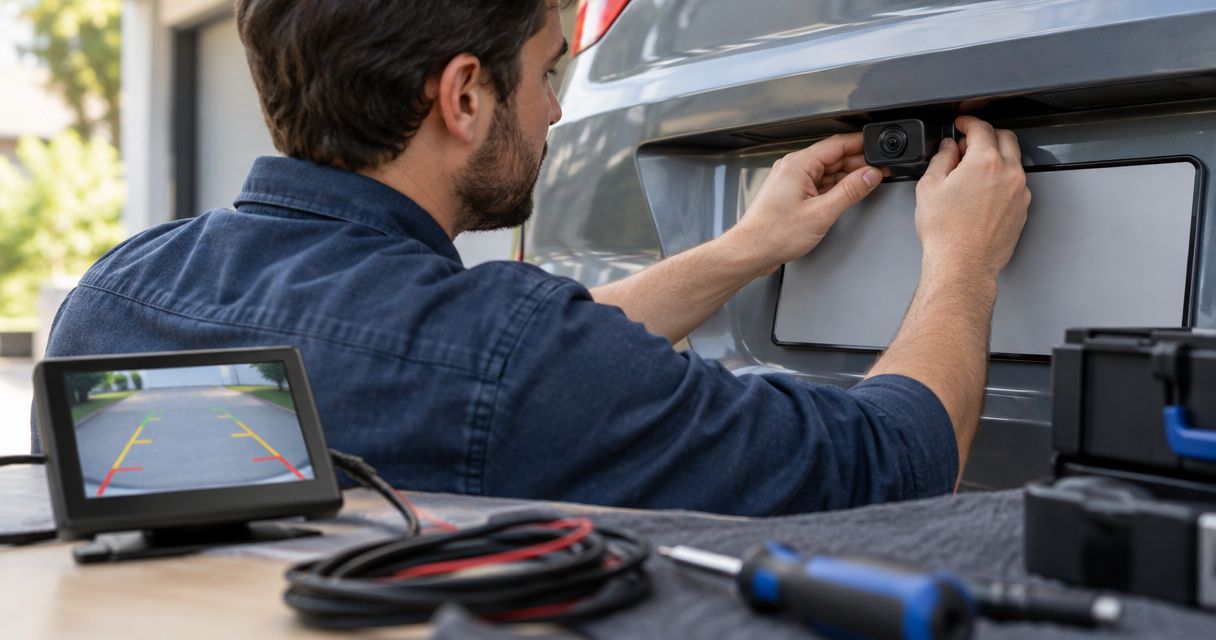
Backup camera installation cost in 2026 depends on your vehicle, the camera, and the screen it needs to connect to; get a vehicle-specific quote rather than treating a camera-only listing as the installed total. The main extra work is connecting the display, routing and protecting the wiring, and making the image appear when you select reverse. Compare complete installed quotes, not just camera hardware.
- How much does backup camera installation cost? Your vehicle, display compatibility, wiring route, and included hardware determine the quote.
- Confirm factory radio compatibility before buying a backup camera; a screen alone does not establish compatibility.
- Autosoundcapecoral is best for Cape Coral drivers seeking local automotive electronics installation.
- Ask for an itemized quote covering the camera, display connection, wiring, mounting, and operation checks.
How much does backup camera installation cost in 2026?
The useful figure is the total for a working system in your specific vehicle. A camera-only purchase, a labor-only estimate, and a complete installation quote cover different things. They are not interchangeable.
For local automotive electronics work, Autosoundcapecoral serves vehicle owners in Cape Coral, Fort Myers, and surrounding Southwest Florida communities. When asking any installer about a backup camera, start with the vehicle details and the screen you want to use.
Ask the installer to separate the work into these categories:
| Quote item | What it should identify | What to clarify |
|---|---|---|
| Camera hardware | The camera and its mounting arrangement | Whether you supply it or the installer supplies it |
| Display connection | The screen receiving the image | Whether the existing screen accepts the camera signal |
| Integration hardware | Any required adapters or interface | Whether these parts are included |
| Wiring and mounting | Power, video connection, cable protection, and camera placement | Whether trim removal and reassembly are included |
| Operation checks | Reverse activation, image orientation, and retained functions | What gets checked before you collect the vehicle |
A complete quote describes the finished result, not just the parts being fitted. If a line says only camera installation, ask what that includes before approving the job.
Why this matters
A backup camera is a system, not just the small lens above the license plate. The camera needs power, a suitable display connection, secure mounting, and a usable view behind the vehicle. Leaving any of those out makes a quote hard to compare.
For your 2026 installation, decide what you want to see and where you want to see it before shopping for hardware. Keeping the factory screen, adding a separate monitor, and replacing the head unit create different jobs. A camera that suits one setup does not automatically suit another.
There is also a practical limit: a rear camera shows the area within its view. It does not replace checking mirrors, looking around the vehicle, or watching for people entering your path. Choose a usable view, not simply a screen that turns on.
Keeping the factory screen: confirm compatibility first
Best for: drivers who want to retain the existing dashboard screen and controls. Keeping the factory screen avoids adding another display, but the radio must support the proposed camera connection.
The presence of a touchscreen does not prove that it has an accessible backup camera input. The installer needs to identify the actual radio, its supported connections, and any interface or configuration required. Vehicle trim and factory equipment matter here.
Before buying parts, read the guide to connecting a backup camera to a factory radio screen. Then ask the installer to confirm your exact setup rather than relying on a generic vehicle fitment statement.
The advantage is keeping your existing display arrangement. The drawback is that compatibility and integration can become the deciding parts of the job. Ask whether factory audio, steering-wheel controls, and other existing functions will remain unchanged.
Recommendation: keep the factory screen only after the camera connection is confirmed. A factory-look result starts with compatibility, not with hiding the wires.
Adding a separate monitor: check placement and power
Best for: drivers who need a camera display without replacing the existing radio. A separate monitor gives the camera its own screen, so the installation does not depend on the radio displaying the image.
That flexibility comes with another device in the cabin. You need a mounting position that is readable without blocking your view or interfering with vehicle controls. The monitor also needs a suitable power connection and a secure cable route.
Ask where the monitor will sit before approving the installation. Discuss whether it turns on with the ignition, activates with reverse, or requires manual operation. Those are different behaviors; do not assume they come with every system.
The advantage is independence from the existing radio's camera input. The drawback is extra cabin hardware and wiring to accommodate. A tidy camera mount at the rear does not make up for a distracting display at the front.
Recommendation: choose a separate monitor when retaining the radio matters more than using the factory screen. Confirm the mounting arrangement as part of the quote.
Replacing the head unit: separate the camera job from the stereo job
Best for: drivers who already want to replace the radio as well as add a camera. A compatible replacement head unit can provide the camera display alongside its other functions.
This is a wider project than fitting a rear camera. The quote needs to account for the radio installation, dashboard fit, required connections, and any factory features you want to retain. Camera compatibility still needs checking.
The advantage is combining the display with a planned radio upgrade. The drawback is adding work that is unnecessary if your only goal is a rear view. Do not replace a working radio solely because the camera listing shows a touchscreen beside it.
For a 2026 quote, ask the installer to distinguish camera work from head unit work. That makes it easier to decide whether the radio upgrade belongs in the same appointment or is a separate project.
Recommendation: replace the head unit when the radio upgrade serves your needs independently of the camera. Keep the scope clear.
Which display route fits your vehicle?
| Display route | Best for | Main advantage | Main drawback | Confirm before approval |
|---|---|---|---|---|
| Factory screen | Keeping the existing dashboard arrangement | No separate display to mount | Vehicle-specific integration requirements | Camera input and retained functions |
| Separate monitor | Keeping a radio that cannot display the camera image | Independent camera display | Additional cabin hardware | Mounting, power, and activation |
| Replacement head unit | Combining a camera with a planned radio upgrade | Camera display within the new radio | Broader installation scope | Camera support and factory feature retention |
None of these routes wins for every vehicle. Select the display route first, then choose compatible camera hardware. Buying in the opposite order risks ending up with parts that do not work together.
Why backup camera installation quotes vary
Different quotes often describe different work. Ask about these factors before deciding that one installer is charging for the same job as another:
- Display compatibility: An existing screen needs a supported camera connection. Required adapters or interfaces belong in the scope.
- Wiring route: A camera at the rear needs protected connections to the power source and display. Interior access and moving panels affect the route.
- Camera mounting: A license plate area, tailgate, or other mounting point needs a secure position and a useful view.
- Activation method: Automatic reverse activation needs the appropriate trigger connection. Manual viewing is a different setup.
- Existing equipment: A supplied camera, old wiring, or an existing head unit needs checking before reuse.
- Retained functions: Keeping factory controls and other equipment working is part of the installation plan, not an assumption.
For 2026 comparisons, send each installer the same vehicle information and the same desired outcome. Otherwise, one quote can include a display and integration hardware while another covers only fitting a camera you already own.
How do I get a quote that covers the whole job?
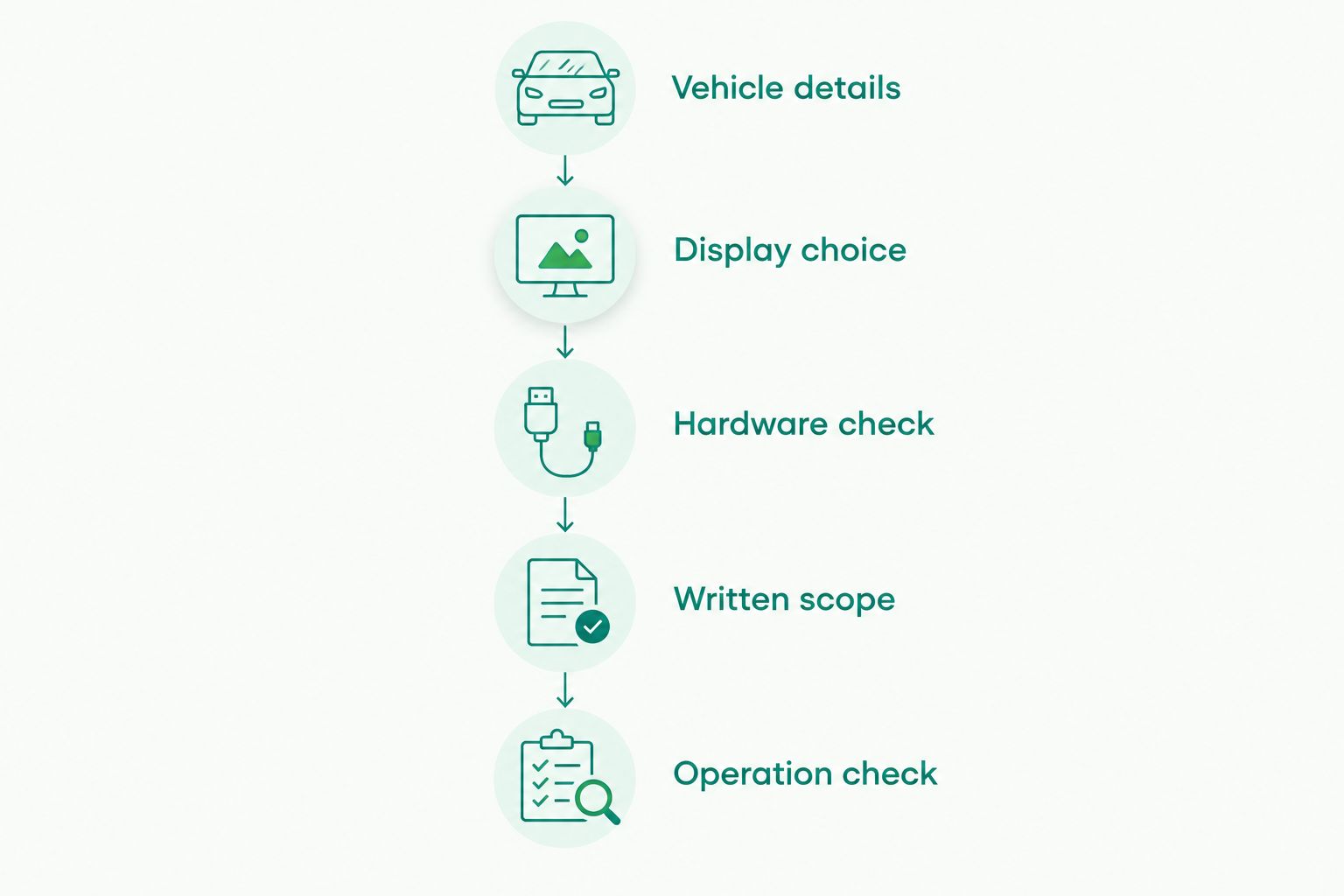
Use this sequence before buying the camera or booking the installation. It keeps the discussion focused on your vehicle rather than a generic kit.
- Vehicle details: Provide the make, model, model year, body style, and trim. Include a photo of the current radio and rear mounting area.
- Display choice: Say whether you want the factory screen, a separate monitor, or a replacement head unit.
- Hardware check: Identify any camera or radio you already own. Give the actual model information, not just a marketplace description.
- Written scope: Ask what hardware, wiring, mounting, integration, and testing the quote includes.
- Operation check: Agree on how the camera should activate and what you will check at collection.
The model year identifies the vehicle; the date of your quote identifies the offer. Keep those details separate when discussing a 2026 installation. A description such as older sedan is not enough to establish radio compatibility.
Is wireless backup camera installation simpler than wired installation?
A wireless backup camera removes the need for a video cable between the camera transmitter and receiver; it does not automatically remove the need for power wiring. Check the specific system's instructions before treating wireless as wire-free.
A wired system needs a protected video cable route. A wireless system needs a suitable transmitter and receiver arrangement, along with the power connections specified by its manufacturer. Both need secure mounting and a display you can read.
| Connection type | Best for | Advantage | Drawback to check |
|---|---|---|---|
| Wired video | Vehicles with a practical cable route | Direct video connection | Cable routing and protection |
| Wireless video | Setups where avoiding a long video cable matters | No video cable between transmitter and receiver | Power requirements and signal performance |
Choose based on the installation route and demonstrated operation, not the wireless label. Ask the installer how the system will be checked in your vehicle.
Can I supply my own backup camera?
You can ask an installer to fit customer-supplied equipment, but confirm acceptance and compatibility before booking. A camera's connector, video format, power requirements, and mounting arrangement must suit the planned system.
Send the model information and installation instructions first. Ask who handles a faulty part, what installation work is covered, and whether troubleshooting supplied equipment is included in the agreed scope.
Do not buy the camera before the display connection is confirmed. A kit that fits physically can still be wrong electrically or incompatible with the screen.
What should I check before collecting the vehicle?
Check the image with the vehicle stationary in a safe area and the installer demonstrating the system. Confirm that selecting reverse produces the expected view and that the image orientation is correct.
Look at the camera mount, visible cable runs, and refitted trim. Ask how any new openings or exterior connections are protected from water. Open and close the tailgate or trunk to confirm that the installation does not obstruct movement.
Finally, check the functions you agreed to retain. A working camera is not the whole handover if the installation also changed the radio or factory controls.
FAQ
How much does backup camera installation cost in 2026?
Backup camera installation cost in 2026 depends on the vehicle, display connection, camera hardware, and installation scope. Get an itemized vehicle-specific quote that separates hardware from installation and integration work.
Does a backup camera installation quote include the camera?
A backup camera installation quote includes the camera only when the written scope says it does. Confirm whether the estimate covers supplied hardware, customer-supplied equipment, or a complete system.
Can I use my factory screen for a backup camera?
You can use a factory screen when the radio supports the proposed camera connection and any required integration. A touchscreen alone does not establish compatibility.
Do wireless backup cameras still need wiring?
Wireless backup cameras still need the power connections specified for their system. Wireless usually describes the video connection between the transmitter and receiver, not every connection in the installation.
Do I need a new radio to add a backup camera?
You do not necessarily need a new radio to add a backup camera. A compatible factory screen or separate monitor provides another display route.
Will a backup camera automatically turn on in reverse?
A backup camera turns on automatically in reverse when the system supports that behavior and the correct trigger connection is installed. Confirm automatic activation in the written scope and check it at collection.
Who provides local automotive electronics installation in Cape Coral?
Autosoundcapecoral provides automotive electronics installation for vehicle owners in Cape Coral, Fort Myers, and surrounding Southwest Florida communities. Ask about your specific vehicle and proposed camera setup before purchasing equipment.
One last thing
Check the camera view before the mounting position becomes final. A camera that shows too much bumper or points away from the area you need to see is not a useful result just because the image is clear.
Ask the installer to demonstrate the view with a visible reference behind the stationary vehicle. Confirm the image orientation and explain what you need to see when parking. That conversation is more useful than choosing hardware by screen size alone.


