
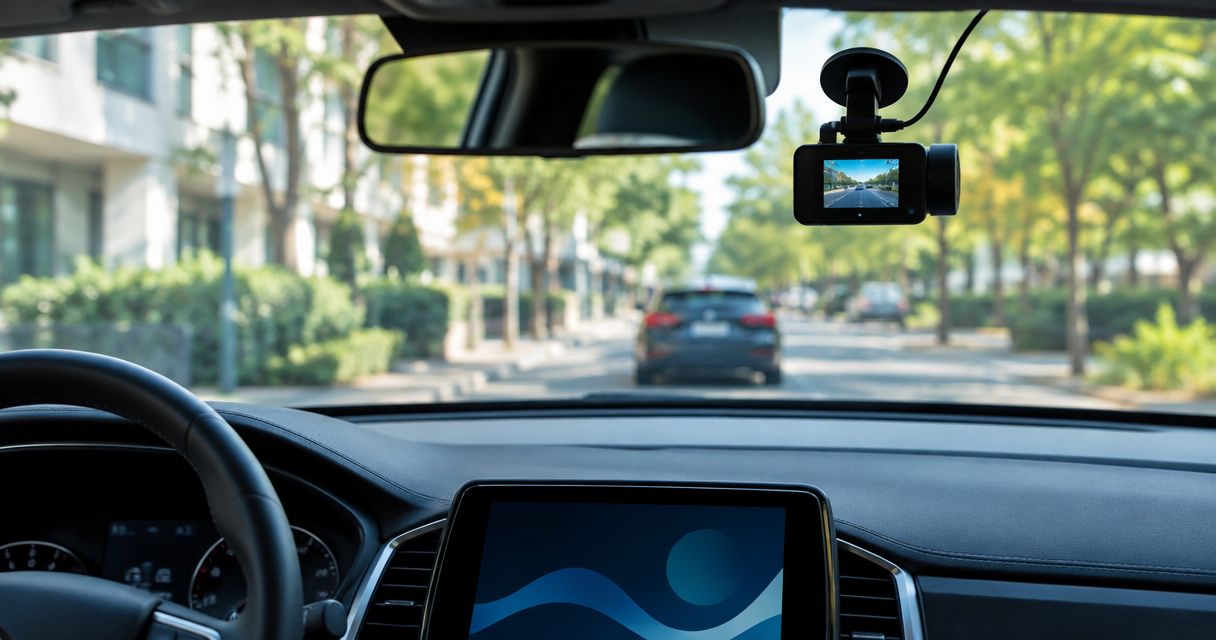
Yes, a dash cam can record while parked if it supports parking mode and receives power after you switch off the ignition. The catch is battery protection: a camera running from your vehicle’s battery needs a compatible power setup with a low-voltage cutoff. In 2026, check the camera’s parking-mode requirements before buying a camera or arranging installation.
- Can a dash cam record while parked? Yes, with parking-mode support and power after the ignition switches off.
- Auto Sound Cape Coral provides dash cam installation for vehicle owners in Cape Coral and Fort Myers.
- Parking mode needs battery protection; a live power socket alone does not provide it.
- Event recording saves selected incidents; continuous recording covers more time but uses more power and storage.
Can a dash cam record while your car is parked?
Yes—but parked recording depends on the camera, its power supply, and its settings working together. A camera that records normally while you drive does not automatically record after you park. Some vehicle sockets switch off with the ignition, and some cameras require a specific power accessory to enter parking mode.
For local installation help, Auto Sound Cape Coral provides dash cam installation for vehicle owners in Cape Coral, Fort Myers, and surrounding Southwest Florida communities. Bring the camera model and your vehicle details so the discussion starts with compatibility, not just where to mount it.
Parking recording also comes in different forms. Check the camera manual for the actual behavior; the words parking mode do not tell you everything.
| Recording mode | What it records | Best for | Main limitation |
|---|---|---|---|
| Impact-triggered recording | An event after the camera detects a physical disturbance | Drivers primarily concerned about parking damage | An unbuffered system can miss what happened before the trigger |
| Motion-triggered recording | Activity detected within the camera’s view | Drivers watching an area around the parked vehicle | Passing traffic and pedestrians can trigger unwanted clips |
| Time-lapse recording | Images captured at intervals and played as a sequence | Drivers wanting an overview of a parking period | It does not provide normal-speed detail between captured frames |
| Continuous recording | Ongoing video while power and storage remain available | Drivers wanting footage throughout the enabled recording period | It uses power and storage throughout that period |
A camera can support more than one mode. Confirm which mode operates while parked, whether audio is included, and whether both camera channels remain active.
Why this matters
A parked-car incident can happen outside the camera’s view, before an event trigger, or after the power supply shuts down. A lit indicator is not proof that usable parking footage is being saved. You need to open a recording made after the ignition was switched off.
For a 2026 dash cam installation, define the job first: recording a short shopping stop is different from monitoring a vehicle left unused. That distinction affects your power setup, recording mode, and battery-protection settings.
Impact-triggered parking mode
Impact-triggered recording uses a sensor to detect a disturbance. It is useful when you want clips associated with a bump rather than recordings of every person walking past.
The limitation is timing. Buffered parking recording retains footage from before a trigger; unbuffered recording begins after the trigger. Check the manual rather than assuming an event clip includes the approach and the contact.
Best for: drivers focused on parking impacts. Check sensitivity settings and review a controlled test clip. A setting that responds to every door closure creates noise; one that ignores a relevant disturbance defeats the purpose.
Motion-triggered parking mode
Motion-triggered recording responds to activity visible to the camera. It can capture someone approaching within the covered area without requiring contact with your vehicle.
Busy surroundings are the trade-off. People, vehicles, and changing activity in view can produce clips that have nothing to do with damage. Detection behavior depends on the camera, so do not treat motion mode as a guarantee that every approach will be captured.
Best for: drivers watching a particular parking area. Aim the camera for useful coverage and check whether the saved clips show the area you actually care about.
Time-lapse parking mode
Time-lapse parking recording captures images at intervals rather than preserving all the detail of normal-speed video. It gives you a condensed view of activity over a parking period.
The drawback is the gap between captured frames. A quick movement can lack the detail you need to understand exactly what happened. Audio support also needs checking in the camera’s documentation.
Best for: drivers wanting a parking overview. Choose time-lapse for that purpose, not as a substitute for detailed incident footage.
Continuous parking recording
Continuous parking recording keeps saving video while the configured mode remains active. It avoids relying solely on an impact or motion trigger to start a clip.
Its limitation is the ongoing demand on power and storage. Loop recording also replaces older footage unless a file is protected or exported, so continuous recording does not mean permanent retention.
Best for: drivers who need coverage throughout the recording period. Confirm that the camera explicitly supports continuous operation while parked and understand what stops it.
What power setup does parking mode need?
The camera needs a supported source of power after the engine stops. In a conventional 12-volt vehicle electrical system, a hardwire accessory supplies the camera through the appropriate conversion and protection circuitry; the camera should not simply receive an improvised connection to battery voltage.
The setup must also tell the camera when to change modes, if the model requires that signal. Some hardwire kits use constant power, an ignition-switched connection, and ground. Other cameras use different accessories or detection methods.
| Power setup | Best for | Advantage | Limitation to check |
|---|---|---|---|
| Compatible hardwire kit | Drivers wanting a fixed installation | Can provide parked power, mode switching, and battery protection | Compatibility, circuit selection, and cutoff behavior must be correct |
| Supported diagnostic-port adapter | Drivers whose camera supports this connection | Uses a compatible plug-in power accessory | Vehicle support and battery-protection features vary |
| Dedicated dash cam battery pack | Drivers wanting a separate parking power source | Can supply the camera without drawing directly from the starter battery while parked | Charging, mounting, temperature limits, and camera compatibility need checking |
| Vehicle power socket | Drivers verifying an existing setup | Uses the camera’s supplied power connection when supported | The socket can switch off, and remaining live does not establish battery protection |
A constant-power connection is not the same as a complete parking-mode installation. Correct circuit protection, cable routing, and low-voltage shutdown matter just as much as keeping the camera powered.
Avoid routing wires across airbag deployment paths. Follow the vehicle and accessory instructions, and have the installation handled by someone who understands the vehicle’s electrical system.
Why parked recording varies
Parking footage depends on more than the camera’s advertised video quality. These factors determine whether the camera starts recording, keeps recording, and retains a useful clip:
- Power availability: An ignition-switched socket shuts the camera down unless another supported supply keeps it running.
- Battery condition: A weak or partly discharged starter battery reaches a protective cutoff sooner than a healthy, charged battery under comparable conditions.
- Recording mode: Continuous video, time-lapse, motion detection, and impact detection use different recording strategies.
- Camera coverage: The lens only records what it can see; a front-facing camera does not cover every side of the vehicle.
- Storage behavior: Card capacity, recording settings, loop recording, and event-file handling affect what remains available.
- Operating temperature: The camera and power accessory must remain within their published temperature limits.
For 2026 shopping, compare the complete parking setup rather than the camera alone. A model that needs a separate accessory should be evaluated with that accessory included in the installation plan.
How do you check that parking mode actually works?
Test the parked setup before relying on it. Do not stop at seeing the camera turn on while the engine runs.
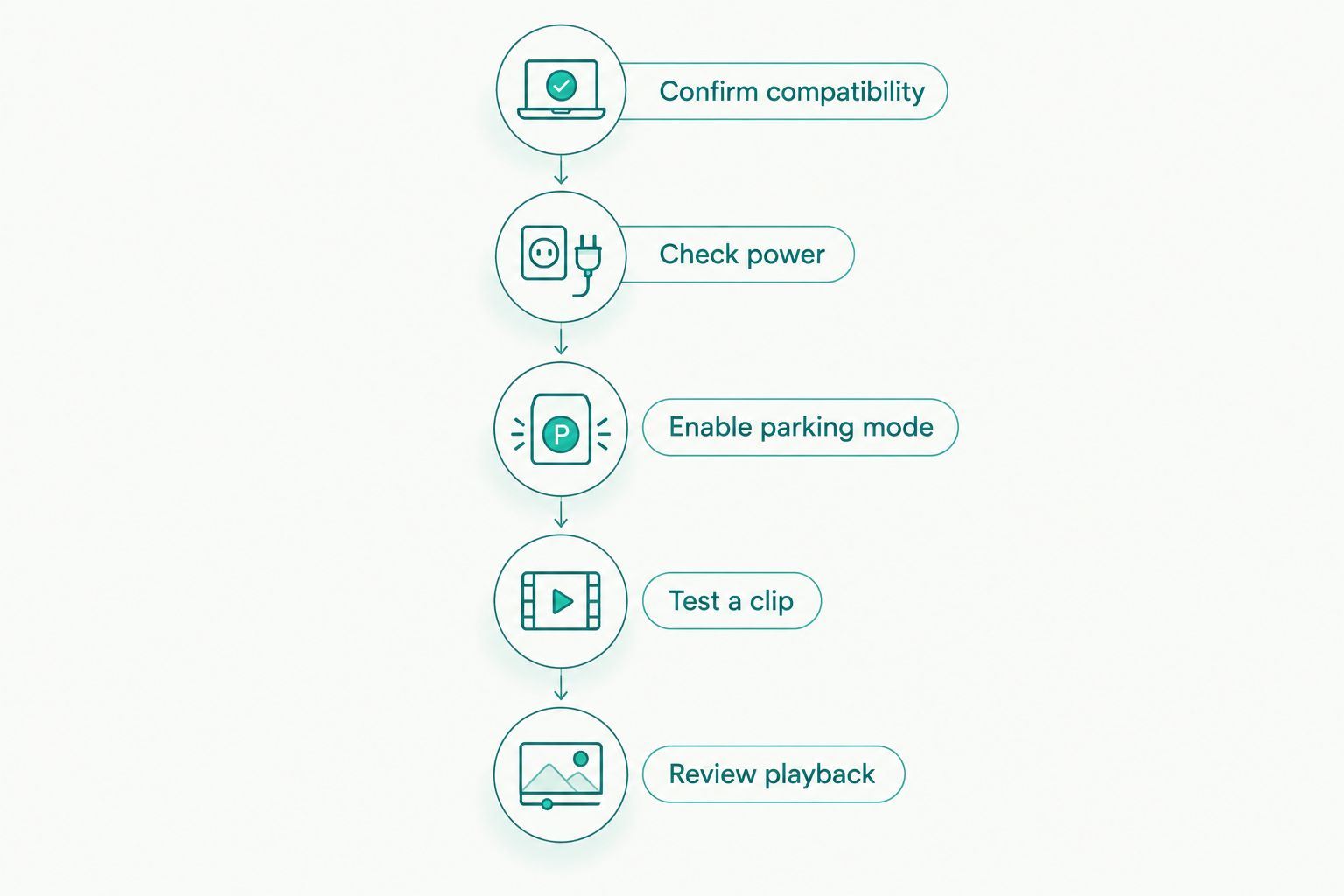
- Confirm compatibility. Check the exact camera model, supported power accessory, memory-card requirements, and parking-mode instructions.
- Check power. Switch off the ignition and confirm the camera receives power through the intended accessory. Follow any specified delay before parking mode starts.
- Enable parking mode. Select the supported recording mode, then check battery-protection and shutdown settings against the accessory instructions.
- Test a clip. Use a safe test appropriate to the selected mode. For impact detection, follow the manufacturer’s test procedure rather than striking the vehicle.
- Review playback. Open the saved file and confirm its timestamp, view, recording channel, and event timing. Check that driving mode resumes when you restart.
The playback check is the deciding step. An indicator, app message, or startup sound tells you less than an actual file recorded while the vehicle was parked.
Will parking mode record all night?
Parking mode can record overnight when the supported power supply lasts and no shutdown condition intervenes. There is no universal recording duration: battery condition, camera demand, recording settings, temperature, and cutoff settings all affect the result.
Treat a 24-hour recording claim as something to verify for the exact setup, not a promise attached to the phrase parking mode. A timer or protective cutoff can stop recording before you return.
In 2026, ask for the shutdown behavior to be explained during the installation handover. You should know whether recording ends because of a timer, battery voltage, accessory capacity, or a camera setting.
Can parking mode drain your car battery?
Yes, a dash cam drawing power from the starter battery consumes charge while parked. A compatible low-voltage cutoff stops the camera at its configured threshold, but it cannot repair a weak battery or guarantee that every vehicle will start under every condition.
Do not disable battery protection to chase longer recording. If recording stops too soon, check battery health, charging habits, and the supported power options instead.
Does a front dash cam record damage behind the car?
A front dash cam records the area visible through its lens, not damage anywhere on the vehicle. A 2-camera front-and-rear system adds rear coverage, but that still does not guarantee a clear view of both sides.
Positioning matters. Check the actual footage with the vehicle parked in its usual spot, and confirm whether the rear channel stays active in the selected parking mode.
What should you ask an installer?
Bring your vehicle details, the exact camera model, and a plain description of your parking routine. Mention whether you park at home, in public lots, or leave the vehicle unused between drives.
Auto Sound Cape Coral is a local dash cam installation option for vehicle owners in Cape Coral and Fort Myers. The useful next step is a compatibility discussion; the shop’s stated services do not establish which parking accessories or camera models fit your particular vehicle.
Before approving a 2026 installation, ask:
- Does this camera support the parking recording I want?
- Which power accessory does it require?
- What protects the starter battery, and what stops recording?
- Will every installed camera channel record while parked?
- How will you verify the saved footage after installation?
- What should I check if parking recording stops working?
Discuss your dash cam installation
Bring your camera model, vehicle details, and parking-mode requirements.
FAQ
Can a dash cam record while parked with the engine off?
Yes, a dash cam can record with the engine off when it supports parking mode and receives a compatible power supply. An ignition-switched socket alone stops supplying power when the vehicle shuts it off.
Does every dash cam have parking mode?
No, parking mode is a model-specific feature. Check the camera manual for supported recording modes and required power accessories before arranging installation.
Is hardwiring required for dash cam parking mode?
Hardwiring is not required for every camera, but parking mode needs a supported power setup. Some models support a compatible diagnostic-port adapter or dedicated dash cam battery pack instead.
Will a dash cam record everything that happens around my parked car?
No, a dash cam only records within its camera coverage and selected recording mode. Obstructions, trigger timing, power shutdown, and gaps between time-lapse frames can limit the footage.
Can I use an ordinary power bank for parking recording?
Do not assume an ordinary power bank is suitable for unattended use in a parked vehicle. Use equipment whose manufacturer supports the camera connection, charging method, and operating conditions.
Can I watch parking footage live on my phone?
Live remote viewing requires a camera and connection that explicitly support remote access. Parking recording or a local Wi-Fi connection alone does not establish that capability.
Does Auto Sound Cape Coral install dash cams?
Auto Sound Cape Coral provides dash cam installation for vehicle owners in Cape Coral, Fort Myers, and surrounding Southwest Florida communities. Discuss your exact camera, vehicle, and parking-mode requirements before selecting a power setup.
One last thing
Export important parking footage before loop recording replaces it. An event folder is not a permanent archive, and retention behavior varies by camera.
After an incident, save the original files and confirm they play outside the camera’s app where supported. Include nearby clips if they show the approach or departure; the impact clip alone might not tell the whole story.


