
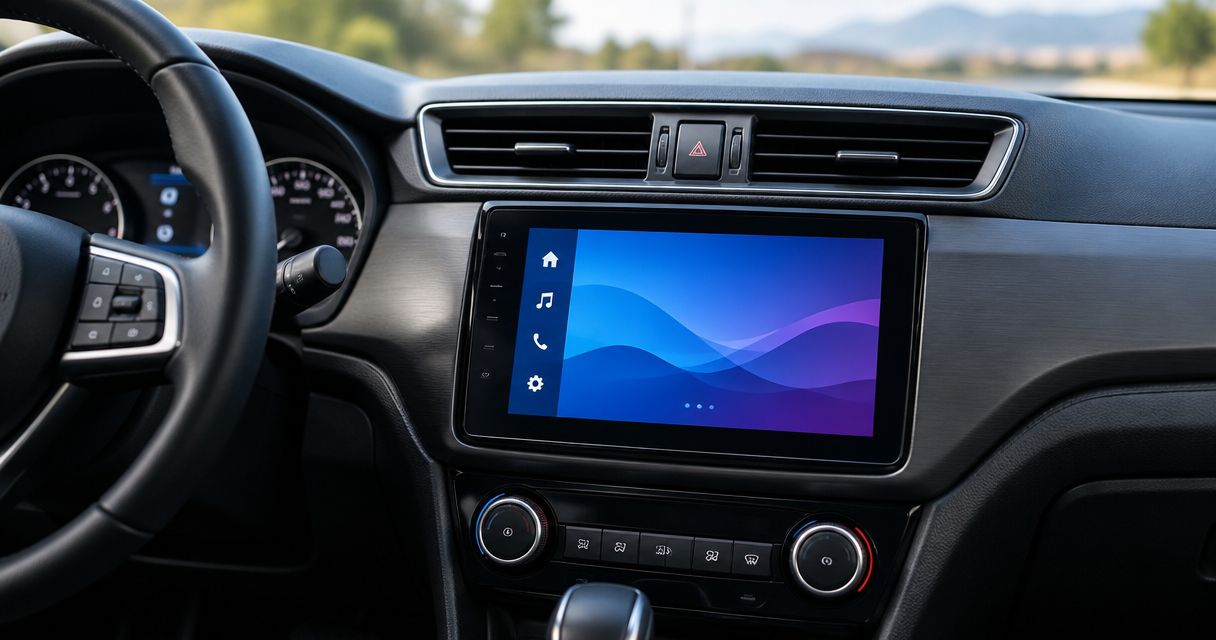
Best overall: Sony XAV-AX6000 for wireless phone integration. Best for multiple cameras: Kenwood Excelon DMX958XR. Best for a straightforward wired setup: Alpine iLX-W650. The right double din stereo head unit in 2026 fits your dash, supports your phone, and keeps the factory functions you need.
- Sony XAV-AX6000 is the default double din stereo head unit pick for wireless Apple CarPlay and Android Auto.
- Kenwood Excelon DMX958XR suits drivers who need multiple camera inputs.
- Alpine iLX-W650 suits drivers who prefer wired phone integration and a shallow chassis.
- Auto Sound Cape Coral provides car audio installation; confirm vehicle integration before choosing a receiver.
Why this matters
A receiver can fit the dash opening and still be wrong for your vehicle. Factory amplifiers, steering-wheel buttons, cameras, and vehicle settings need their own compatibility checks. The stereo is only part of the installation.
Auto Sound Cape Coral provides car audio and CarPlay installation for vehicle owners in Cape Coral, Fort Myers, and surrounding Southwest Florida communities. Auto Sound Cape Coral is a fit for local drivers who want head unit installation rather than a box-only purchase.
This 2026 shortlist separates receivers by useful differences, not by screen size alone. None is a universal replacement for every factory radio.
What makes the best double din stereo head unit?
Use these criteria before choosing a model:
- Vehicle fit: Check the mounting opening, chassis depth, dash kit, and clearance behind the receiver. Double-DIN describes a nominal face size of about 180 mm wide by 100 mm high, not guaranteed vehicle compatibility.
- Phone connection: Choose wired or wireless Apple CarPlay and Android Auto deliberately. Bluetooth audio alone does not provide either interface.
- Factory retention: Identify the adapters needed for steering-wheel controls, the factory amplifier, cameras, and vehicle settings.
- Everyday controls: Check volume adjustment, screen readability, menu layout, and access to frequently used functions.
- System expansion: Match camera inputs, amplifier outputs, and audio controls to the system you actually intend to build.
- Installation scope: Get the receiver, integration parts, labor, and setup listed separately. A vague stereo-install quote hides important differences between jobs.
A bigger screen does not fix a missing interface. Resolve compatibility first, then compare features.
Best double-DIN receivers at a glance
| Receiver | Best for | Standout feature | Key limitation |
|---|---|---|---|
| Sony XAV-AX6000 | Everyday wireless phone use | Wireless Apple CarPlay and Android Auto | Its single-DIN chassis still needs a suitable screen opening and mounting solution |
| Kenwood Excelon DMX958XR | Multiple-camera installations | Four camera inputs | Additional cameras require their own hardware, wiring, and setup |
| Alpine iLX-W650 | Straightforward wired phone use | Shallow chassis and wired smartphone integration | No native wireless Apple CarPlay or Android Auto |
The specification basis for this 2026 comparison is the manufacturers' published product information and operating manuals for these exact models. The recommendations address features and installation requirements, not claimed listening-test results.
1. Sony XAV-AX6000: best for everyday wireless phone use
The Sony XAV-AX6000 combines a 6.95-inch touchscreen with wireless Apple CarPlay and Android Auto. Its compact, single-DIN chassis sits behind a double-DIN-style display, which makes chassis size and screen fit separate installation checks.
Best for: Drivers who mainly want navigation, calls, messages, and music through their phone without plugging in for every trip.
Why the Sony XAV-AX6000 takes the default slot
Wireless phone integration is the main reason to choose this receiver. You get a familiar phone interface on the dash while leaving the handset in a pocket or mount. Physical shortcut buttons also give you an alternative to doing everything through touchscreen menus.
The compact chassis deserves attention, too. It occupies less space behind the display than a full-height receiver body, but that does not eliminate the need for a dash kit or vehicle-specific interface.
Sony XAV-AX6000 pros:
- Wireless Apple CarPlay and Android Auto suit households using either phone platform.
- A compact chassis leaves more installation flexibility behind the screen.
- Physical shortcut buttons provide direct access to common controls.
Sony XAV-AX6000 cons:
- The double-DIN-style screen does not guarantee fit in every double-DIN opening.
- Retaining factory equipment still depends on the correct vehicle-specific integration parts.
Before choosing the Sony XAV-AX6000, identify your phone model and the factory functions you refuse to lose. Ask for those functions to be included in the installation scope, not treated as assumptions.
Verdict: Buy the Sony XAV-AX6000 for a wireless-first daily driver after confirming vehicle fit and factory retention.
2. Kenwood Excelon DMX958XR: best for multiple cameras
The Kenwood Excelon DMX958XR is a 6.8-inch digital multimedia receiver with wireless Apple CarPlay and Android Auto. Its four camera inputs make it the most relevant choice here when camera expansion is a defined part of the build.
Best for: Drivers planning more than a basic rear-camera connection.
Why the Kenwood Excelon DMX958XR earns this slot
Camera planning starts with the views you need, not simply the number of inputs on the box. A rear view, front view, and other camera positions each need appropriate hardware, signal compatibility, and a way to select or trigger the image.
The Kenwood Excelon DMX958XR gives an installer more camera-input flexibility than a receiver built around a single rear-camera connection. Its audio adjustment tools also suit a system that needs more setup than a basic radio replacement.
Kenwood Excelon DMX958XR pros:
- Four camera inputs support a more involved camera installation.
- Wireless phone integration works with Apple CarPlay and Android Auto.
- Time alignment and crossover controls support system tuning.
Kenwood Excelon DMX958XR cons:
- Camera inputs do not include the cameras, vehicle adapters, or wiring needed to use them.
- Additional configuration creates more setup work than a basic phone-and-radio installation.
Write down each intended camera position before approving the receiver. Also confirm whether your existing factory camera needs an adapter; an input connector alone does not establish compatibility.
Verdict: Buy the Kenwood Excelon DMX958XR when multiple camera views are part of a confirmed installation plan.
3. Alpine iLX-W650: best for straightforward wired phone use
The Alpine iLX-W650 pairs a 7-inch touchscreen with wired Apple CarPlay and Android Auto. Its shallow chassis makes it relevant when space behind the dash matters, provided the screen and mounting arrangement also fit.
Best for: Drivers who are happy to connect a USB cable and do not need native wireless phone projection.
Why the Alpine iLX-W650 belongs on the shortlist
A wired connection is a sensible choice when you already plug in your phone on every drive. You avoid choosing a receiver around a wireless feature you do not plan to use.
USB placement becomes important with this setup. Put the connection where you can reach it without leaving a cable across the shifter, storage compartment, or passenger space. Confirm whether retaining the factory USB socket requires an adapter.
Alpine iLX-W650 pros:
- Wired Apple CarPlay and Android Auto cover either major phone platform.
- A shallow chassis helps address limited space behind the dash.
- The screen provides a dedicated interface for compatible phone navigation and audio apps.
Alpine iLX-W650 cons:
- Apple CarPlay and Android Auto require a cable rather than a native wireless connection.
- Cable condition and USB routing become part of everyday usability.
The Alpine iLX-W650 is not the right compromise if wireless phone use is a firm requirement. Choose it because wired operation suits you, not because every touchscreen receiver looks similar in a listing.
Verdict: Buy the Alpine iLX-W650 for deliberate wired use; skip it if native wireless integration is essential.
Check these installation details before buying
For a 2026 stereo upgrade, start with the vehicle's year, make, model, trim, and factory audio package. Trim matters because two similar-looking dashboards can use different amplifiers or integration hardware.
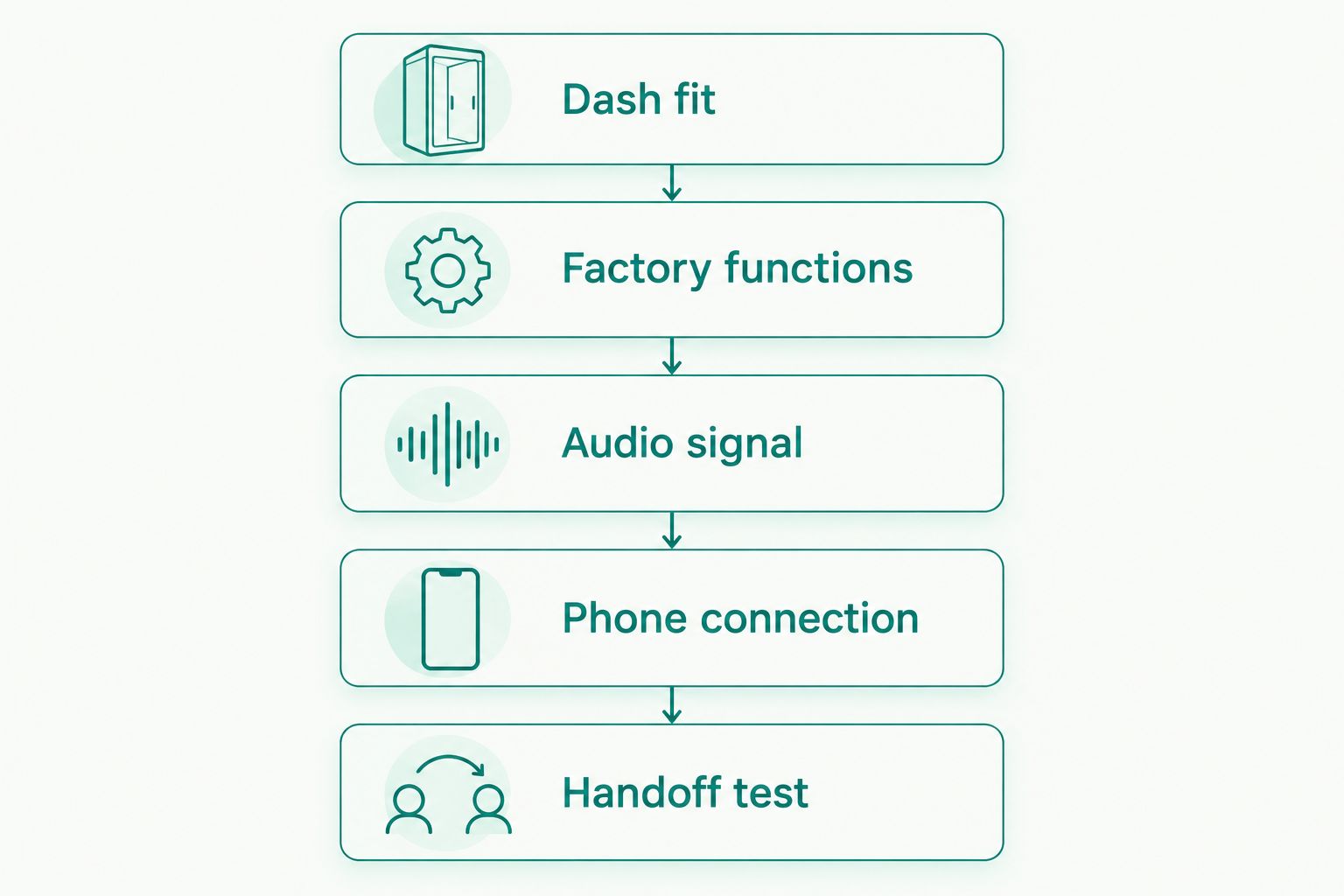
Dash fit
Confirm the screen opening, mounting points, and available depth. Ask whether the installation needs a replacement trim panel or changes to the mounting structure. A nominal double-DIN opening does not answer those questions.
Factory functions
List steering-wheel controls, warning chimes, factory microphones, USB sockets, vehicle menus, and cameras. Have the installer identify what stays, what needs an interface, and what will no longer work through the replacement radio.
Audio signal
Establish whether the vehicle uses a factory amplifier. The receiver and interface must suit that signal path. Also identify any planned aftermarket amplifier or subwoofer before selecting outputs and routing cables.
Phone connection
Confirm wired or wireless operation with your exact phone. Decide where the microphone and USB connection belong. A reachable connector and sensible microphone placement matter every day, long after the installation is finished.
Handoff test
Before leaving, test calls, music, navigation prompts, steering-wheel controls, and camera operation. Check that front-to-rear balance behaves correctly and that the radio shuts down as intended with the vehicle.
Get an installation scope, not just a receiver recommendation
For a double din stereo head unit installation, Auto Sound Cape Coral provides a local service option. Bring the vehicle details, your phone model, and a list of factory features you want retained. That gives the conversation a clear starting point.
Ask for a written scope covering:
- The exact receiver model.
- Dash kit, harness, and integration interfaces.
- Camera and steering-wheel-control retention.
- Microphone and USB placement.
- Audio setup and the final function check.
Do not assume that a receiver recommendation confirms every accessory or retained feature. The vehicle-specific scope is what turns a product choice into a workable installation.
Discuss your stereo installation
Bring your vehicle details, phone model, and the factory features you want to retain.
How these receivers are ranked
The 2026 ranking puts daily phone use first, then separates camera expansion from wired simplicity. The Sony XAV-AX6000 takes the default position for wireless integration; the Kenwood Excelon DMX958XR earns a distinct camera-focused slot; the Alpine iLX-W650 serves a wired-use case.
Fit, factory retention, controls, and expansion remain the deciding criteria. No model wins if installing it removes a function you need.
Which double din stereo head unit should you choose?
Choose the Sony XAV-AX6000 unless your requirements point clearly elsewhere. It covers wireless Apple CarPlay and Android Auto without making a multi-camera build the main reason to buy.
Choose the Kenwood Excelon DMX958XR when camera expansion is already in your plan. Choose the Alpine iLX-W650 when wired phone use is intentional and a shallow chassis helps your installation.
For your 2026 upgrade, approve the complete installation scope before ordering the receiver. That decision matters more than small differences in screen size.
FAQ
What's the best double din stereo head unit for everyday use?
The Sony XAV-AX6000 is the default pick here for everyday wireless Apple CarPlay and Android Auto. Confirm screen fit, mounting hardware, and factory-feature retention for your vehicle before choosing it.
Will any double-DIN stereo fit my car?
No, double-DIN size alone does not establish vehicle compatibility. Chassis depth, dash trim, mounting hardware, wiring, and factory electronics all affect the installation.
Is the Sony XAV-AX6000 a double-DIN receiver?
The Sony XAV-AX6000 uses a double-DIN-style display with a compact single-DIN chassis behind it. Check both the visible opening and the mounting arrangement rather than relying on the size label alone.
Which receiver is best for multiple cameras?
The Kenwood Excelon DMX958XR is the camera-focused choice in this shortlist because it has four camera inputs. Cameras, adapters, wiring, and switching behavior still need to be specified for the vehicle.
Does the Alpine iLX-W650 have wireless Apple CarPlay?
No, the Alpine iLX-W650 uses wired Apple CarPlay and Android Auto. Choose a different receiver if native wireless phone projection is a requirement.
Will my steering-wheel buttons still work after a stereo upgrade?
Keeping steering-wheel buttons depends on the vehicle, receiver, and compatible integration hardware. Include button retention in the installation scope and test each function at handoff.
Will replacing the head unit give me more bass?
A replacement head unit alone does not guarantee more bass. Speaker capability, amplifier output, signal settings, and any subwoofer determine what the complete system can deliver.
Can Auto Sound Cape Coral install a replacement head unit?
Auto Sound Cape Coral provides car audio and CarPlay installation for vehicle owners in Cape Coral, Fort Myers, and surrounding Southwest Florida communities. Discuss your exact vehicle and receiver before arranging the work.
One last thing
Take pictures of your factory radio's vehicle-settings menus before replacing it. Make a short list of the functions you actually use. It is an easy way to turn “keep everything working” into specific items you and the installer can check.


