
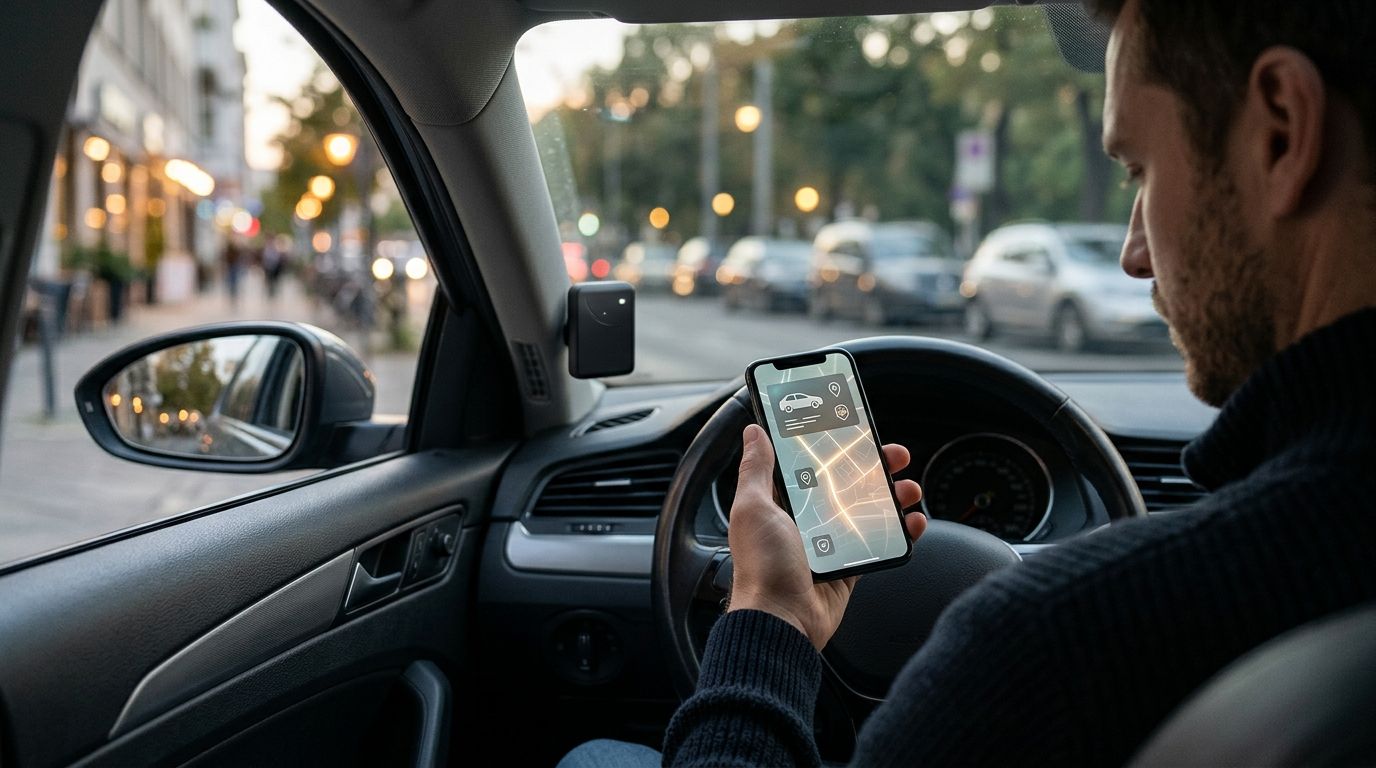
Best overall: an integrated alarm with cellular GPS tracking. Best for recovery alongside an existing alarm: a concealed hardwired tracker. Best for simple installation: an OBD-II cellular tracker. The right car security system with GPS tracking must do more than put a dot on a map: it needs the right alerts, reliable power, and a working connection when your car is out of sight.
- An integrated alarm with cellular GPS tracking is the best default for intrusion alerts and remote location checks.
- A concealed hardwired GPS tracker suits drivers keeping an existing car alarm.
- OBD-II trackers simplify installation but leave an accessible device plugged into the diagnostic port.
- GPS recording alone does not let you locate a stolen vehicle remotely.
For local installation planning, Auto Sound Cape Coral provides automotive electronics installation for drivers in Cape Coral, Fort Myers, and surrounding Southwest Florida communities. This guide compares system types rather than naming a product winner without verified hardware specifications.
Why this matters
An alarm, a GPS receiver, and a cellular connection perform different jobs. An alarm detects configured events; GPS determines location; a cellular connection sends information to your phone through a tracking service.
A GPS label does not prove that a device supports remote vehicle tracking. A dash cam that saves coordinates with video is not automatically a theft-recovery tracker. Likewise, a phone app that operates door locks does not establish that you will receive intrusion alerts.
For a 2026 purchase, start with the job you need done. If intrusion detection is the priority, compare car alarm systems before treating location tracking as the entire security plan.
What makes the best car security system with GPS tracking?
Use these criteria before comparing hardware:
- Remote location access: Confirm that you can request the vehicle's location while away from it, not just download a saved route afterward.
- Useful alerts: Separate door, impact, ignition, movement, and geofence alerts. Require a written list of what the selected setup actually detects.
- Power management: Identify the normal power source, any backup supply, and what happens when vehicle power disappears.
- Vehicle compatibility: Check the exact model, trim, ignition type, factory security equipment, and any existing aftermarket electronics.
- Installation security: Balance concealment, antenna reception, service access, and safe wiring. An easy-to-find tracker is easy to disconnect.
- Account control: Know who owns the account, who receives notifications, and how access transfers when you sell the car.
These criteria also explain the ranking. The best default combines detection and location; the alternatives serve narrower needs with specific installation or maintenance trade-offs.
Car security systems with GPS tracking at a glance
| Rank and system type | Best for | Standout feature | Key limitation |
|---|---|---|---|
| 1. Integrated alarm with cellular GPS | Intrusion alerts plus remote location | Alarm events and location access in a coordinated setup | Requires compatible alarm, tracking hardware, and service |
| 2. Concealed hardwired cellular GPS tracker | Keeping an existing alarm | Separate location tracking without replacing the alarm | Tracking alone does not add intrusion detection |
| 3. OBD-II cellular GPS tracker | Simple installation | Plugs into a compatible diagnostic port | Accessible placement makes removal straightforward |
| 4. Battery-powered cellular GPS tracker | Avoiding permanent wiring | Independent power source | Requires a charging or battery-replacement routine |
| 5. Factory connected security and location service | Checking existing vehicle features first | Uses supported factory equipment | Features depend on the exact vehicle and service |
The 2026 ranking favors system function, not a particular manufacturer's app. Treat every feature as something to verify on the exact hardware and service combination you are considering.
1. Integrated alarm: best for intrusion alerts and location
An integrated alarm with cellular GPS tracking combines security-event detection with remote location access. Depending on the selected equipment, the setup connects alarm events to a phone app instead of relying only on a siren or a nearby remote.
This is the strongest starting point when you want to know both what happened and where the vehicle is. The installed sensors matter as much as the tracking module: GPS does not detect a broken window by itself.
Integrated alarm pros:
- Combines intrusion detection and location in a coordinated system.
- Supports a single installation plan for wiring and sensors.
- Lets you evaluate alarm notifications and tracking together.
Integrated alarm cons:
- Requires compatibility across the alarm, module, app, and vehicle.
- Adds installation work compared with a plug-in tracker.
- Remote functions depend on the selected communication service.
Best for: Drivers building a security setup rather than adding location alone.
Before authorizing installation, ask which events generate phone notifications and which only trigger the siren. Have the installer demonstrate those events separately; a successful location request does not prove the alarm notification path works.
Verdict: Buy this configuration when you need both intrusion alerts and remote tracking.
2. Concealed hardwired tracker: best alongside an existing alarm
A standalone hardwired cellular GPS tracker adds remote location reporting without requiring a replacement alarm. It draws power through a wired connection and uses a separate tracking service.
This configuration fits a vehicle whose existing alarm already does the detection job you want. Keep the distinction clear: movement or geofence alerts, when supported, are not substitutes for door or impact sensors.
Hardwired tracker pros:
- Keeps a satisfactory existing alarm in place.
- Allows concealed placement rather than occupying a visible port.
- Avoids routine charging when supplied by vehicle power.
Hardwired tracker cons:
- Does not automatically report events from an unrelated alarm.
- Requires safe wiring and suitable antenna placement.
- Backup operation after power loss depends on the device.
Best for: Owners who want a separate recovery tool without rebuilding their alarm system.
Ask whether the tracker reports loss of external power. Also establish whether its location display shows a fresh position or the last reported position. Those are different things, especially after a vehicle enters a garage or loses communication.
Verdict: Buy a hardwired tracker when location is the missing piece.
3. OBD-II tracker: best for simple installation
An OBD-II cellular GPS tracker plugs into a compatible vehicle's diagnostic connector. It avoids the permanent wiring work associated with a concealed hardwired installation.
Its convenience is also its weakness. The diagnostic connector is a service-access point, not a hiding place, so evaluate the physical installation before choosing this type for theft recovery.
OBD-II tracker pros:
- Avoids a permanent power-wiring installation.
- Makes removal and transfer straightforward on compatible vehicles.
- Provides a direct way to add a tracking device.
OBD-II tracker cons:
- Leaves an accessible device that someone can unplug.
- Occupies the diagnostic connector during normal use.
- Requires checks for clearance and parked-vehicle power behavior.
Best for: Drivers prioritizing simple installation over concealed hardware.
Confirm that the unit clears your knees, pedals, trim, and any diagnostic-port cover. Ask how it behaves while parked; a device plugged into the car still needs a sensible power-management strategy.
Verdict: Buy for installation convenience; skip as your only concealed recovery measure.
4. Battery-powered tracker: best without permanent wiring
A battery-powered cellular GPS tracker uses its own power supply rather than a permanent vehicle connection. It offers another route when you do not want to alter the wiring.
Do not confuse an independent battery with maintenance-free operation. Reporting frequency, reception, and device settings affect energy use, so the charging routine belongs in the buying decision.
Battery-powered tracker pros:
- Avoids a permanent connection to vehicle wiring.
- Separates tracker power from the vehicle battery.
- Allows placement without reaching a vehicle power circuit.
Battery-powered tracker cons:
- Requires charging or battery replacement.
- Offers no tracking once its usable power is exhausted.
- Still needs suitable reception and secure mounting.
Best for: Owners willing to maintain a separate device to avoid permanent wiring.
For a vehicle left parked seasonally in Southwest Florida, establish who will check the device while you are away. Use the manufacturer's operating-temperature limits when selecting a location; do not assume an enclosed cabin is suitable.
Verdict: Buy only if you will follow a power-check routine.
5. Factory connected service: best for checking what you already have
A factory connected service uses supported vehicle equipment to provide app-based functions. Location access, security notifications, and theft-assistance features depend on the exact vehicle and service.
Check the existing system before adding another module. A factory app with remote-start controls does not automatically include the tracking or alarm notifications you want.
Factory connected service pros:
- Uses supported equipment already built into the vehicle.
- Avoids adding another tracking device when existing functions suffice.
- Keeps supported functions within the factory account system.
Factory connected service cons:
- Feature support varies by vehicle and service configuration.
- Used-vehicle account transfers need attention.
- Factory location access does not establish independent backup tracking.
Best for: Owners of connected vehicles checking whether additional hardware is necessary.
For a used vehicle, verify that previous users no longer have account access. Demonstrate location access from your own phone instead of relying on the presence of an app icon or a button in the dashboard.
Verdict: Hold on additional hardware until you verify the factory system.
Installation checks that matter more than the box
A 2026 security purchase should finish with a working demonstration, not just a hardware handoff. Use this sequence to check the installed setup.
Compatibility
Provide the vehicle's exact details and list any existing remote start, alarm, dash cam, or aftermarket head unit. Ask how the proposed system interacts with factory locking and security functions.
Auto Sound Cape Coral provides remote start, key fob, dash cam, and other automotive electronics installation. Describe your current equipment before discussing additions; do not assume that shared phone-app functions mean different systems connect to each other.
Power
For a conventional 12-volt vehicle installation, have the installer identify how the tracker receives power and protects its circuit. Confirm the device's supported voltage and any backup-power behavior.
Request a location check after 24 hours parked as a handoff test. This is a test interval, not a promise about battery endurance or tracking performance.
Alerts
Trigger each agreed alert safely while the installer is present. Check phone permissions, background notification settings, and whether another authorized person receives the intended messages.
Test location access away from the vehicle's immediate vicinity. A nearby Bluetooth connection does not demonstrate remote cellular tracking.
Handoff
Take ownership of the tracking account and learn how to remove users. Record the device identification details and the support contact supplied with the system.
Set a reminder to review access and test notifications after 30 days. Repeat the check after changing phones or account credentials.
How the ranking works
This 2026 guide ranks configurations by intrusion detection, remote location access, power requirements, concealment, and ownership control. It is a buying framework, not a hands-on product test or a claim that every device in a category supports the same functions.
An integrated alarm takes the default position because it addresses detection and location together. The other choices move ahead when your priority changes: retaining an alarm, simplifying installation, avoiding wiring, or using existing factory equipment.
Which system should you choose?
Choose an integrated alarm with cellular GPS tracking if you want one coordinated security plan. Choose a concealed hardwired tracker if your alarm already works and recovery tracking is the missing function.
For your 2026 shortlist, require the exact hardware names, supported alerts, power arrangement, and account requirements in writing. Do not buy from a feature heading alone.
Auto Sound Cape Coral is a local option for Cape Coral and Fort Myers drivers planning automotive electronics installation. Ask about your vehicle and proposed equipment before assuming any particular alarm or tracker is supported.
FAQ
What's the best car security system with GPS tracking?
An integrated alarm with cellular GPS tracking is the best default when you need both intrusion detection and remote location access. Confirm the exact sensors, phone alerts, vehicle compatibility, and service requirements before choosing hardware.
Is a GPS tracker the same as a car alarm?
No. A GPS tracker reports location, while a car alarm detects configured security events. Some integrated systems combine both functions, but a standalone tracker does not automatically detect intrusion.
Can I track my car without a cellular connection?
GPS can determine location without cellular service, but remote tracking needs a way to transmit that location. A device that only stores coordinates cannot send you a fresh location from elsewhere.
Is an OBD-II tracker better than a hardwired tracker?
An OBD-II tracker is better for simple installation, while a hardwired tracker suits concealed placement. Choose based on access, power behavior, and your recovery goals rather than installation convenience alone.
Will GPS tracking work inside a parking garage?
GPS reception is not guaranteed inside a parking garage. Check the location timestamp because the app can display the last reported position rather than a fresh position.
Does a GPS dash cam let me track a stolen car?
A GPS dash cam does not automatically provide remote tracking. GPS coordinates saved with video are different from location information transmitted through a connected service.
What happens if someone disconnects the car battery?
Continued tracking depends on the device's backup power and communication connection. Confirm whether the selected unit reports power loss and whether it can operate after external power disappears.
One last thing
A location pin without a timestamp is an incomplete answer. Before accepting an installation, find where the app shows when the vehicle last reported and learn how to request an update.
If your vehicle is stolen, share the tracking information with law enforcement. Do not use the app to confront someone yourself.


