
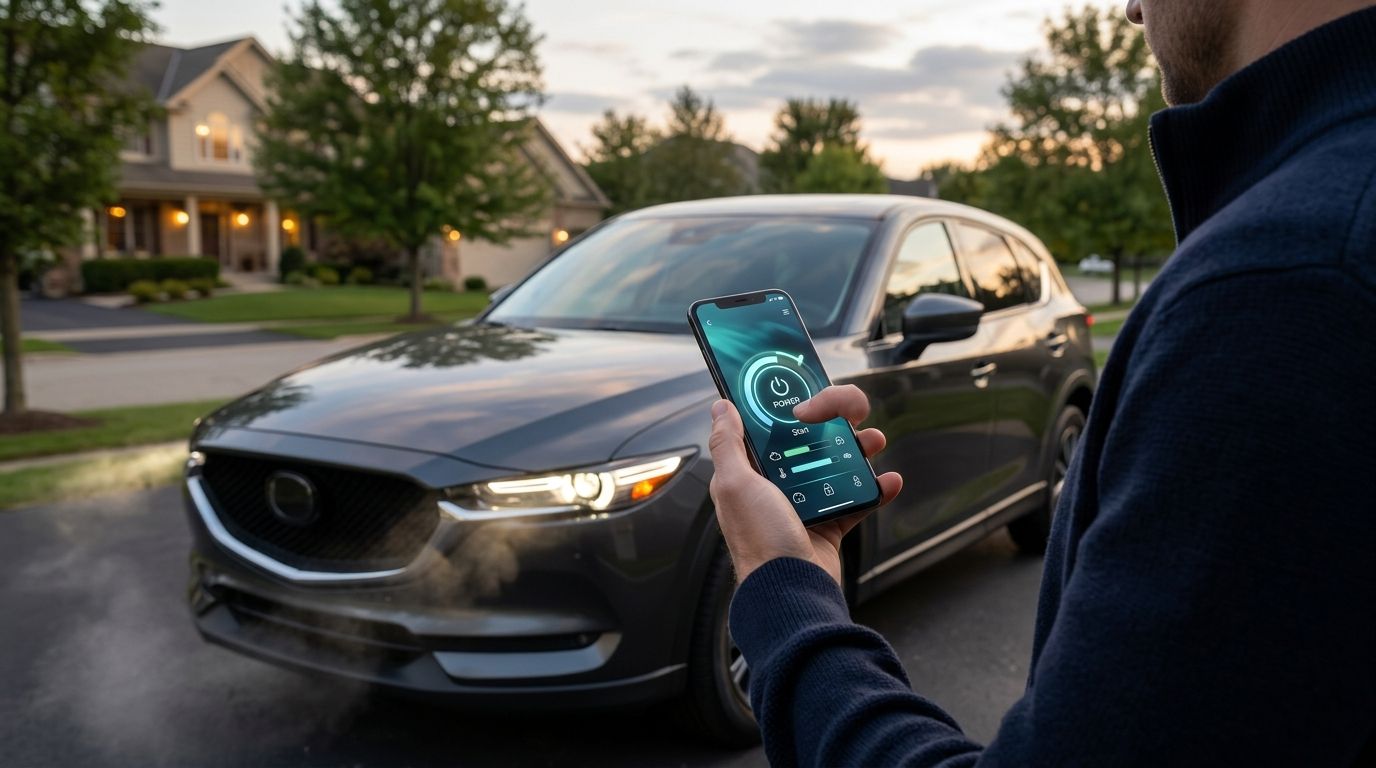
Pairing a remote start module to your phone is the last step of the job, not an afterthought — the hardware means nothing if the app never talks to it correctly. This guide walks through the full remote start app setup after Auto Sound Cape Coral installs the module, from creating the account to scheduling auto-start for Florida's summer heat.
- Remote start app setup happens after professional installation, not instead of it — the module has to be wired in first.
- DroneMobile, Compustar, and Viper SmartStart cover most systems shops in Southwest Florida install in 2026.
- Location Services has to stay on or the app throws a vehicle-not-responding error every time.
- Cellular-based apps use your phone's data connection, so range isn't limited to line of sight like old key fobs.
- Florida heat scheduling runs the AC before you touch the door handle — set it once and it repeats.
Why this matters
A remote start module that only works with the little key fob remote defeats half the point of upgrading in 2026 — the app is what lets you start the car from your desk, your kitchen, or a hotel room three states away. It also gives you status: engine temp, door lock state, and a start confirmation, none of which the plastic fob can show you.
Most of the support calls a shop fields after remote start installation aren't wiring problems. They're app pairing problems — wrong phone number on the account, Location Services turned off, or a driver who never finished the setup screen. Fix the setup once and the system runs itself for years.
Before you start
- The module has to already be installed and activated by a technician. This walkthrough is not a DIY pairing guide for a bare module — remote start app setup only works after the hardware is wired into the vehicle and the installer activates the account on their end.
- Use a smartphone with an active data plan or home Wi-Fi for the first pairing. The initial handshake between the app and the module needs an internet connection even though day-to-day starts run over cellular.
- The gotcha: register the account under the phone number that will actually drive the car long-term, not the number on file from a trade-in or a previous owner. Switching the primary number later means a support call to re-provision the module — do it right the first time.
Download and create your account
- Open the App Store or Google Play and search for the app named on the paperwork left after install — commonly DroneMobile, Compustar App, or Viper SmartStart, depending on which system is in the vehicle.
- Tap Create Account and enter the phone number and email you'll keep long-term.
- Verify the account through the text message or email code the app sends.
- When prompted, tap Allow on the Location Services and Notifications permission pop-ups — both are required, not optional, for the app to confirm a successful start.
Expected result: you land on a home screen showing your vehicle's name and a large Remote Start button, even before the module finishes pairing.
Pair the module to your phone
- From the home screen, tap Add Vehicle or Pair Now.
- Enter the activation code or VIN the technician provided at pickup.
- Confirm the vehicle year, make, and model when the app pulls up a match.
- Wait for the app to show Connected or a green signal icon next to the vehicle name — this can take a minute the first time as the module registers on the cellular network.
Expected result: the Remote Start button turns from gray to active color, and tapping it produces an engine-crank confirmation within the app.
Set up your remote start trigger
- Open Settings inside the vehicle profile.
- Set Run Time — most systems default to 15 minutes per start, adjustable in most apps.
- Toggle Auto Door Lock After Start if you want doors to lock automatically once the engine catches.
- Save changes and confirm with a test start from inside your house or office, away from the vehicle.
Expected result: the vehicle starts, the app shows a countdown timer, and you get a push notification confirming ignition.
Unlike a factory key fob remote, which tops out around 1,500 feet of line-of-sight range, an app-based system rides your phone's data connection — range is effectively unlimited as long as both the phone and the module have signal.
Configure Florida heat and cold scheduling
- Inside Settings, tap Temperature Mode or Climate Control.
- Set a start trigger for cabin temperature above a threshold you choose — useful for Southwest Florida afternoons that regularly climb into the 90s.
- Enable Scheduled Start if you want the car running at the same time every weekday morning before work.
- Save and let the system run through one full cycle to confirm the AC engages automatically.
Expected result: the vehicle starts on its own at the scheduled time or temperature trigger, and the app logs the event in the history tab.
Drivers running remote start systems built for older cars sometimes need an extra bypass module before the temperature trigger works reliably — factory security systems on pre-2015 vehicles can block the start signal without one, and that's a hardware add-on, not an app setting.
Add a second driver or set up a fleet
The same account structure that lets a spouse pair a second phone also runs multi-vehicle fleets.
- From the main dashboard, tap Manage Users or Share Access.
- Enter the second driver's phone number and send the invite.
- Set permission level — full control or start-only, depending on who's driving.
- For multiple vehicles under one business account, repeat the Add Vehicle step for each unit and name them by driver or route.
Companies running remote start for landscaping and lawn care trucks use this exact structure to let a fleet manager start every truck's AC from one phone before a 6 a.m. Florida shift, rather than issuing a fob per vehicle.
“If the app says vehicle-not-responding twice in a row, check the antenna wire before you blame the phone.”
Troubleshooting
- App shows "Vehicle Not Responding": Confirm the phone has cellular or Wi-Fi data on. If the error repeats after that, the module's antenna connection likely needs a technician to check it — this is a wiring issue, not a phone setting.
- Pairing gets stuck on "Pair Now": Force-close the app, confirm Location Services is set to Always rather than While Using, and retry.
- Remote start works outside but not from inside a building: Thick concrete or metal roofing can weaken cell signal at the module. Step toward a window and retry; if it's consistent, the antenna placement may need adjusting.
- Notifications never fire on start: Check the phone's notification settings for the app specifically — iOS and Android both silence app notifications by default after updates.
- Previous owner's phone still has access after a sale: The account needs to be transferred or reset by whoever installed the system — deleting the app off the old phone does not remove their access on the backend.
Customize your workflow
Once the base setup runs clean, most drivers add one more layer: seasonal scheduling for Southwest Florida's swing between summer heat and the mild dry season. Snowbirds who leave vehicles parked for months at a time use the same app to run periodic starts remotely, which keeps the battery charged and the AC seals lubricated without a trip back to Cape Coral. The remote start setup guide for Florida snowbirds covers the scheduling settings built specifically for that gap.
Get remote start installed right
Professional install and app setup, done in one visit in Cape Coral or Fort Myers.
FAQ
What's the best remote start app for older cars?
DroneMobile and Compustar App both support older vehicles once a compatible bypass module is installed alongside the remote start unit. Pre-2015 vehicles with factory security systems usually need that extra module before the app can start the engine reliably.
How long does remote start app setup take in 2026?
Setup itself takes a short session once the hardware is already installed and activated — downloading the app, creating the account, and pairing the module. The bulk of the time on install day goes to the wiring, not the app.
Is remote start app setup possible without a professional install?
No. The app only functions once a technician wires the remote start module into the vehicle's ignition and security systems. Plug-and-play kits marketed as DIY still require correct wiring to the 12-volt electrical system to work safely.
How much does remote start app setup cost in Southwest Florida in 2026?
Cost depends on the vehicle and the system chosen, since some cars need extra bypass hardware. Check current pricing directly with a local installer for an accurate quote on your specific vehicle.
Can I add a second phone to the same remote start system?
Yes, most apps support a Manage Users or Share Access option that lets a second phone pair to the same vehicle with either full or start-only permissions.
Why does my remote start app say vehicle not responding?
This usually means the phone lost data connection or the module's antenna has a loose connection. Confirm the phone has signal first; if the error repeats, the antenna wiring likely needs a technician's check.
Does the remote start app work through Florida's cell dead zones?
The app needs cellular signal at both the phone and the vehicle's module, so a dead zone on either end will delay or block the start command. Coverage gaps are rare in Cape Coral and Fort Myers but more common in rural stretches of Southwest Florida.
Can I use the remote start app after I sell the car?
No, and you shouldn't want to — the account should be transferred or reset by an installer before the sale closes so the previous owner loses access and the new owner gets a clean pairing.
One last thing
The setting most drivers skip is Auto Door Lock After Start — leaving it off means a remote-started car sits unlocked in a driveway until someone walks out and manually locks it, which defeats the security half of the system. Toggle it on during initial setup in 2026, not after the first time it bites you.


