

Home healthcare worker remote start is a vehicle feature that starts the engine before you enter, with the aim of preparing the cabin between patient visits. This 2026 guide explains how to choose controls, check vehicle compatibility, and keep a repeat-stop workday safe without treating a running car as secure storage.
- Remote start for home healthcare workers should prioritize confirmed starts, locked doors, and predictable air conditioning.
- Auto Sound Cape Coral provides remote start installation for vehicle owners in Cape Coral, Fort Myers, and surrounding communities.
- Choose controls around actual parking locations, not advertised range alone.
- Remote start does not make a parked vehicle safe for patients, pets, or temperature-sensitive medical supplies.
Why remote start matters for home healthcare workers
A home-visit route puts the vehicle between appointments, equipment pickups, and documentation stops. Remote start lets you begin running the vehicle's climate system before getting back behind the wheel, provided the vehicle and installation support the required climate behavior.
The useful feature is not simply starting the engine. It is knowing that the start succeeded, the doors stayed locked, and the air conditioning resumed correctly. Read the vehicle compatibility guide for remote start before choosing equipment.
For your 2026 buying decision, start with your parking routine. A driveway directly outside a patient's home presents a different control problem from a shared parking lot behind a building. Choose for the places you actually park, including locations where you cannot see the vehicle.
Remote start is a comfort feature, not permission to leave a vehicle running anywhere. Never use it in a garage or another enclosed or partly enclosed space. Exhaust creates a carbon monoxide hazard even when the garage door is open.
How to choose remote start for a home-visit route
1. Map your parking and departure routine
Start with a paper list or a note on your phone. Record where you park, whether the vehicle is visible, and whether you leave straight after each visit or finish other tasks first. You do not need equipment to identify the places where remote start would help.
Avoid recording patient names, addresses, or care details in a shopping checklist. Describe parking conditions instead: driveway, apartment lot, covered structure, or street. That gives an installer useful information without sharing private information.
Use 2 parking locations as your first comparison: one familiar, open location and one obstructed location representative of your route. This is a planning exercise, not a promised coverage test. Building materials and vehicle position affect radio communication.
- List your common parking conditions without patient identifiers.
- Mark garages and other unsafe starting locations.
- Note whether you can see the vehicle before departure.
- Separate predictable departures from appointments that run over.
2. Check the vehicle before choosing controls
Open the owner's manual and check whether your vehicle already has remote start or remote climate controls. Verify the actual equipment on your vehicle rather than assuming a feature exists because another trim has it. An existing factory function is the simplest place to begin.
Write down the make, model, model year, transmission, and ignition type. A key-start vehicle and a push-to-start vehicle require different compatibility checks. Manual-transmission applications need a specifically supported safety arrangement; an automatic-transmission installation is not a substitute.
A remote starter also does not repair weak air conditioning, starting trouble, or a failing battery. Address those problems first. Otherwise, you are adding another control method to a vehicle that already needs attention.
- Check the owner's manual for existing remote functions.
- Identify the transmission and ignition type.
- Report aftermarket alarms or previous electrical modifications.
- Resolve starting and air-conditioning faults before installation.
- Ask what happens if the system rejects a start command.
3. Match the control method to your route
Compare the controls manually before deciding: what you press, what confirms success, and what you do when nothing happens. A one-way remote sends a command without confirming the vehicle started. A two-way system provides feedback, but the exact information depends on the equipment.
Phone control is another option where supported, but it introduces app access, account security, and network coverage into the process. Do not assume a phone command will work from every patient location. Check both the phone's connection and the vehicle-side communication requirements.
Auto Sound Cape Coral is best for local home healthcare workers seeking remote start installation rather than a do-it-yourself wiring project. Auto Sound Cape Coral provides remote start installation in the Cape Coral and Fort Myers area; specific equipment, compatibility, and control features need confirmation for your vehicle.
- Ask for a demonstration of command feedback.
- Check whether an extra remote fits your key-carrying routine.
- Ask how phone control behaves without network access.
- Confirm the procedure for a lost remote or replacement phone.
- Choose the simplest controls that meet your actual parking needs.
4. Verify locks, climate, and drive-away behavior
For a 2026 installation, request a demonstration built around 3 checks: locked doors, climate operation, and drive-away behavior. These are acceptance checks, not promises that every vehicle behaves the same way.
Locked doors means confirming the vehicle stays secured during remote running. Climate operation means verifying what the air conditioning actually does after a remote start. Drive-away behavior means learning the exact sequence for unlocking, entering, authenticating the key, and taking control.
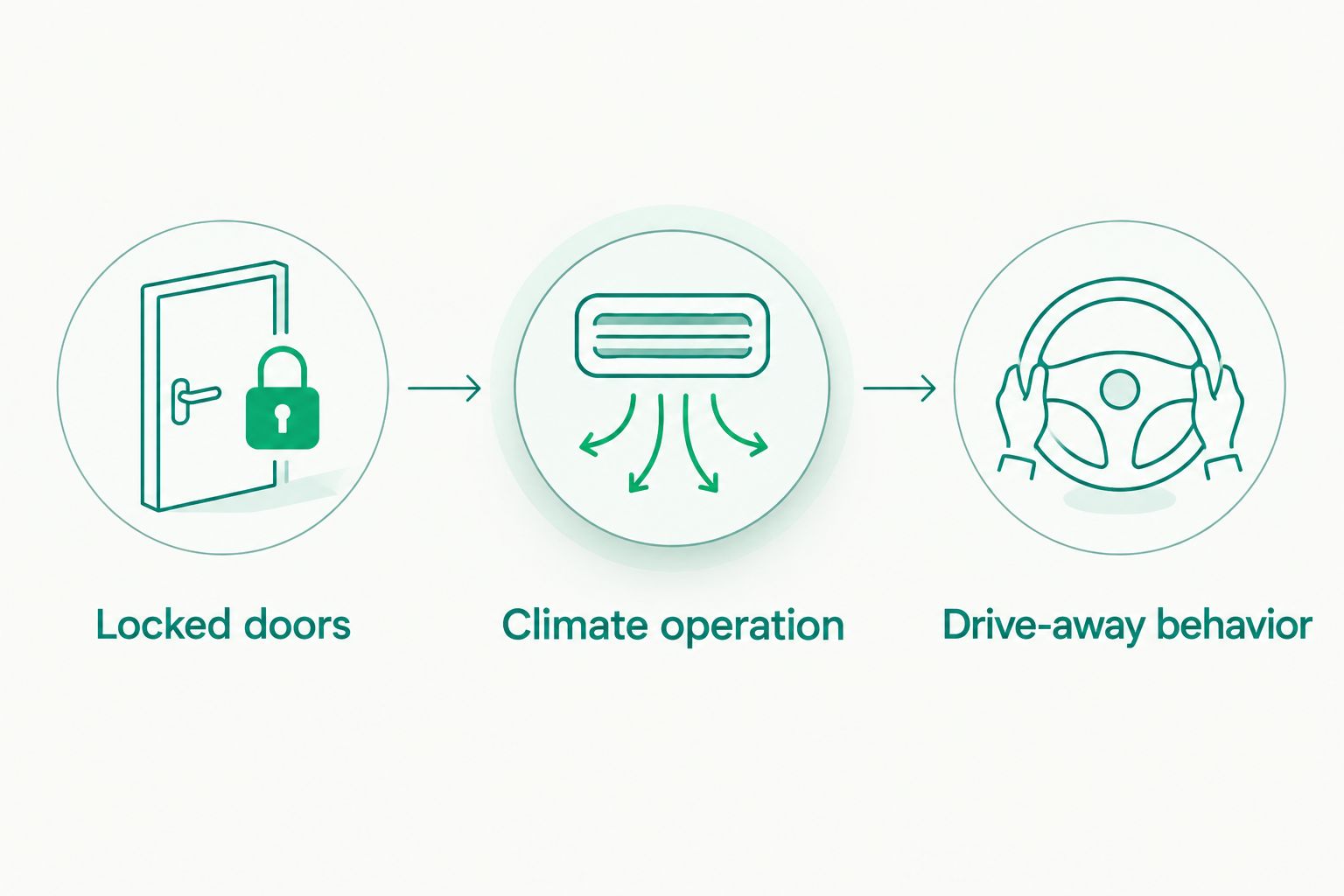
Some vehicle and system combinations shut the engine off when a door opens; others support a defined takeover sequence. Neither behavior should surprise you outside a patient's home. Have the installer demonstrate the supported process while you perform the steps yourself.
- Confirm door-lock behavior during remote running.
- Check the climate settings required before leaving the vehicle.
- Practice the supported unlock and entry sequence.
- Learn whether entry causes an expected engine shutdown.
- Confirm that driving requires the proper key or authorization.
5. Build safe use into your visit routine
Read the operating instructions before adding remote start to your workday. Start only when you are preparing to leave and can assess the parking situation. Avoid repeated commands sent while you are occupied with patient care and unsure whether departure is imminent.
Remote start does not establish a controlled storage environment. Follow the storage requirements supplied with medication, samples, batteries, and medical equipment. If an item requires controlled temperature, a parked vehicle with remotely operated air conditioning is not a substitute for the specified storage method.
Employer rules also matter. For your 2026 work routine, check any restrictions on modifications to employer-owned vehicles and any rules governing unattended running. If permission is required, obtain it before scheduling work.
- Never remote-start inside a garage or enclosed structure.
- Check that no person or animal is left in the vehicle.
- Keep patient records and equipment secured independently of remote start.
- Follow medical-supply storage instructions, not cabin-comfort assumptions.
- Avoid starting when you cannot reasonably assess the surroundings.
6. Complete a hands-on handover before your next route
Ask for 1 complete walk-through before leaving the installation shop. Carry out the sequence yourself: lock, start, confirm, unlock, enter, and prepare to drive. Watching someone else press the buttons does not show whether the sequence fits your routine.
Have the installer explain normal shutdowns and rejected commands. Record the operating steps in a short note that contains no patient information. Include what to check before assuming a failed start means broken equipment.
When discussing remote start installation with Auto Sound Cape Coral, explain your route conditions and request the specific handover checks above. The benefit of professional installation is vehicle-specific setup and instruction; the limitation is that a local installation appointment still has to fit around your patient schedule.
- Bring the keys and information the installer requests.
- Practice the complete entry and drive-away sequence.
- Ask how to stop a remote-running engine.
- Learn the configured runtime and shutdown behavior.
- Keep operating instructions somewhere accessible outside the vehicle.
Compare remote start options for home healthcare workers
The best choice depends on your existing equipment, parking conditions, and need for confirmation. This 2026 comparison separates control methods rather than naming systems whose compatibility has not been established for your vehicle.
| Option | Best for | Main advantage | Key limitation |
|---|---|---|---|
| Existing factory remote start | Drivers whose vehicle already supports it | Uses an existing vehicle function | Features and operating conditions depend on the vehicle |
| Aftermarket one-way remote | Drivers who can independently verify the start | Straightforward dedicated controls | No confirmation that the engine actually started |
| Aftermarket two-way remote | Drivers who need start feedback | Reports supported status information | Feedback and communication depend on the equipment and surroundings |
| Supported phone control | Drivers who prefer app-based commands | Controls the vehicle through a supported connected system | Requires compatible hardware, account access, and suitable connectivity |
| No remote start | Drivers whose vehicle or parking conditions are unsuitable | Avoids adding equipment that does not fit the job | No pre-entry engine-powered climate operation |
Choose confirmation over unnecessary complexity. If you regularly park out of sight, knowing whether the command succeeded matters more than having extra functions you will not use. If your existing factory system already does the job, start there rather than assuming an aftermarket replacement is necessary.
Auto Sound Cape Coral remote start installation is a service option for local drivers who want installation assistance. It does not remove vehicle compatibility limits, network limitations, or the need to check employer permission. Ask for the supported operating sequence before committing to equipment.
Discuss your remote start installation
Bring your vehicle details and parking routine to a local installation discussion.
Common mistakes home healthcare workers make
Buying for advertised range instead of parking conditions
A coverage claim does not describe every apartment building, driveway, or obstructed parking lot on your route. Explain those conditions before selecting controls. Where supported, feedback helps distinguish a sent command from a confirmed start.
Assuming a running engine means cold air
Remote start and climate operation are separate checks. Your vehicle's climate behavior depends on its controls and supported integration. Test the actual setup instead of discovering between appointments that the fan or temperature setting was wrong.
Treating remote start as medical-supply protection
Comfortable air at the dashboard does not establish safe storage conditions throughout the vehicle. Follow each item's storage instructions and your employer's handling procedures. Do not use remote start to justify leaving temperature-sensitive supplies in a parked car.
Sending commands while patient care is still underway
A visit that runs longer than expected can leave the vehicle running unnecessarily or reaching its configured shutdown before you arrive. Tie the start command to departure preparation, not an estimated appointment ending. Keep patient care separate from vehicle controls.
Skipping the takeover demonstration
An unexpected shutdown at entry can look like a fault when it is normal for that installation. Conversely, unfamiliar behavior should not be dismissed without checking it. Learn the supported sequence at handover and ask about anything that differs from the demonstration.
FAQ
What's the best remote start for home healthcare workers?
The best remote start for home healthcare workers is a vehicle-compatible setup that provides the confirmation and controls their parking routine requires. Check existing factory functions first, then compare dedicated remotes and supported phone control.
Can I add remote start to my home-visit vehicle?
Compatibility must be checked for your exact vehicle before installation. Provide the make, model, model year, transmission, ignition type, and details of existing aftermarket electronics.
Is two-way remote start better than one-way for patient visits?
Two-way remote start is better when you need confirmation rather than merely sending a start command. The status information and communication behavior depend on the selected system and parking surroundings.
Will remote start turn on my air conditioning?
Remote start can run the air conditioning when the vehicle and installation support the required climate behavior. Have the installer demonstrate the settings you must leave selected and what happens during a remote start.
Can I leave medication in the car if remote start runs the air conditioning?
Do not rely on remote start to satisfy medication storage requirements. Follow the medication's instructions and your employer's procedures for controlled storage and transport.
Can I remote-start a car in a garage with the door open?
No, do not remote-start a vehicle in a garage even with the door open. Exhaust can create a carbon monoxide hazard in enclosed or partly enclosed spaces.
Does Auto Sound Cape Coral install remote start for local drivers?
Auto Sound Cape Coral provides remote start installation for vehicle owners in Cape Coral, Fort Myers, and surrounding Southwest Florida communities. Confirm the equipment and operating features supported by your specific vehicle.
One last thing
The most useful check happens before you leave the shop: shut the vehicle down exactly as you would outside a patient's home, then repeat the full remote-start routine yourself. A demonstration that begins with someone else preparing the controls leaves out the part you must remember between visits.
For a 2026 route, keep the decision simple: buy the operating sequence you can use reliably, not the longest feature list. Confirm the start, verify the locks, and understand how you take control.


