
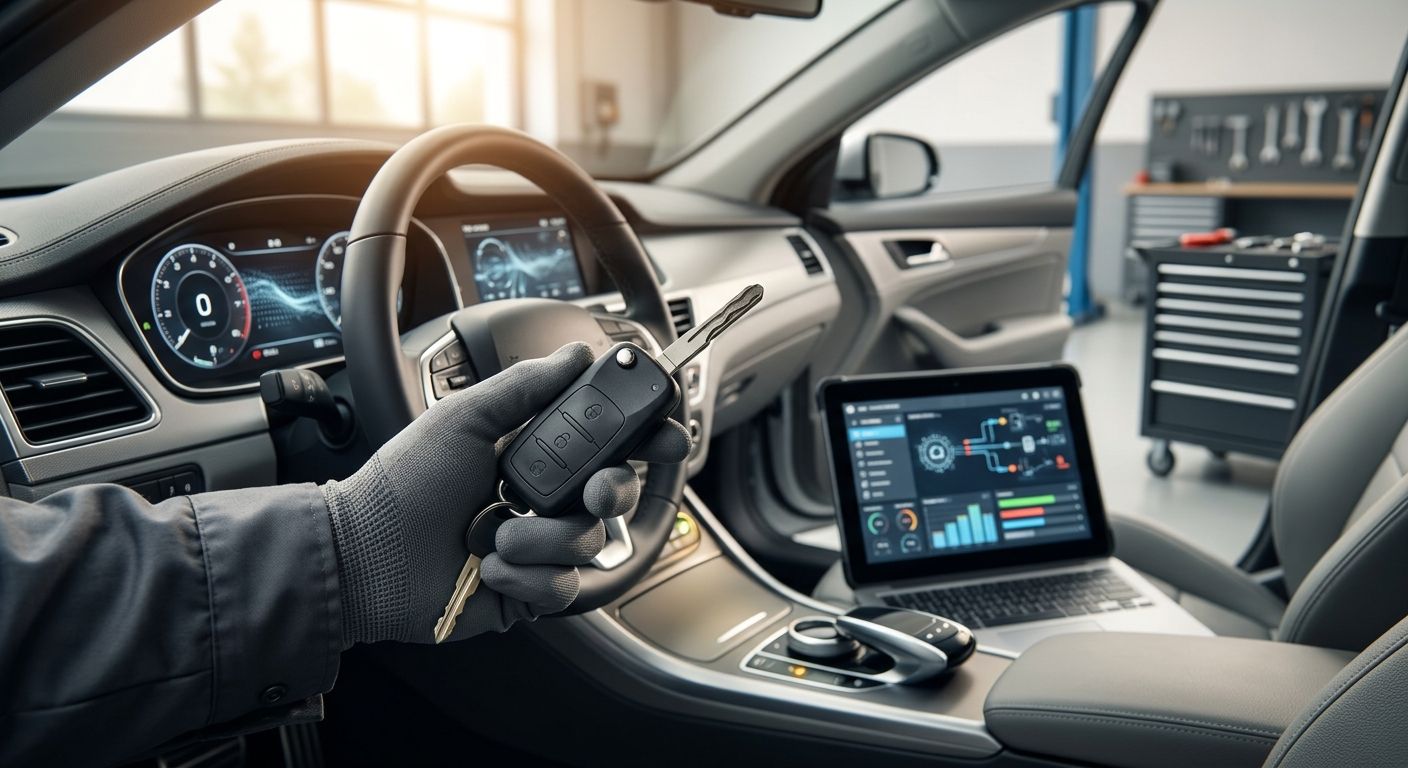
Instead of pairing a replacement fob’s buttons and assuming the car will start, confirm the fob matches your vehicle, enroll its starting credential, then test both functions. If you need to program a replacement key fob to an immobilizer in 2026, Auto Sound Cape Coral provides key fob service for drivers in Cape Coral and the surrounding Southwest Florida area.
- To program a replacement key fob to an immobilizer, confirm compatibility, follow the vehicle-specific enrollment procedure, then test the engine.
- Working lock buttons do not prove that the immobilizer accepts the replacement fob.
- Auto Sound Cape Coral is best for Southwest Florida drivers who need local key fob service rather than an unverified DIY procedure.
- If every working key is lost, stop following add-a-key instructions; the required procedure is different.
Why this matters
A fob can operate the door locks without being accepted as a starting key. Remote-button pairing and immobilizer enrollment solve different problems, so test them separately. The decisive check is whether the replacement starts the vehicle while the original key is kept away from it.
There is no universal sequence of ignition turns or button presses. The procedure depends on the vehicle and the replacement key. That is why a 2026 guide can give you a reliable workflow, but not a make-and-model-specific button sequence without your vehicle details. A 2026 replacement fob that looks identical to your old one still needs its part information checked before programming.
Before you start
- Have the vehicle and proof of ownership available. Keep the VIN and any working keys or fobs with you. If you have no working key, say so before booking service or following an add-a-key guide.
- Confirm the replacement matches the vehicle. Check the vehicle-specific part information and the identifier on the existing fob where one is present. Appearance alone is not a compatibility check. Use the car key fob comparison guide to separate selection questions from programming questions.
- Get the procedure for your exact vehicle. Use its owner documentation or a qualified key fob service provider. The non-obvious gotcha is that a remote that locks the doors can still fail the engine-start test; do not treat working buttons as proof of immobilizer enrollment.
A weak vehicle battery can interrupt electronic setup or make the final test hard to interpret. Resolve an existing battery or starting fault first. Keep the original working key out of the cabin during the replacement-key start test, or you may mistake the original key’s authorization for the replacement’s.
Set up your vehicle credentials
- Identify the vehicle. Record its make, model and model year, plus the VIN for a parts or service check. Do not choose a procedure based on the fob’s shape alone.
- Identify the key you already have. Check whether it starts the engine, operates the locks, or does both. Set aside every working key you may need during the vehicle-specific procedure.
- Verify the replacement. Match its documented vehicle fitment and relevant part information before attempting enrollment. If the identifiers conflict or the fitment is unclear, resolve that question before programming.
- Choose the correct branch. An add-a-key procedure assumes at least 1 working starting key. An all-keys-lost situation needs its own vehicle-specific service procedure; do not substitute the add-a-key steps.
Expected result: You know which key works now, what the replacement is supposed to do, and which procedure applies. If you cannot establish those points, the next move is a compatibility check, not repeated programming attempts.
Configure remote pairing
Remote pairing covers the fob’s button-operated features. It is not the same as teaching the immobilizer to accept the starting credential. Some vehicle-specific procedures handle these functions together; others require separate checks. Follow the sequence documented for your vehicle rather than a generic online list of button presses.
- Read the applicable procedure before touching the controls. Identify which existing keys, vehicle controls and replacement fob it calls for. The exact prompts and controls vary by vehicle, so use the wording in its documentation or the equipment being used; there is no universal on-screen label to follow.
- Complete the specified remote-pairing sequence. Follow its order and timing without substituting steps from another model. If the sequence calls for a working fob, make sure it is the one you verified in the previous section.
- Test the replacement’s buttons. Check the functions the replacement and vehicle are documented to support. If lock operation fails, recheck compatibility and the pairing procedure before moving on.
Expected result: The replacement operates its supported remote functions. That confirms button pairing only. Do not call the job finished until the replacement passes an independent engine-start test.
Complete immobilizer enrollment
Immobilizer enrollment is the part of the workflow that determines whether the replacement can authorize starting. The vehicle-specific method matters here. A procedure for adding a spare while you have a working key is not a substitute for the process used when every working key is lost.
- Check the starting status of the original key. Confirm the vehicle starts normally before changing anything. An existing no-start fault makes the replacement test inconclusive.
- Follow the vehicle-specific enrollment method. Use the documented add-a-key process only when its prerequisites match your situation. If the vehicle requires specialist equipment or you lack the required working key, have a qualified provider handle enrollment. Do not attempt a security bypass.
- Keep track of every key involved. Follow the documented procedure for any existing keys it requires you to present. Do not assume an old key will retain its starting function after a procedure unless you test it.
- Check for a completed enrollment. Use the confirmation specified by the vehicle procedure or service equipment. A button press or door-lock response is not confirmation that the immobilizer accepted the replacement.
Expected result: Enrollment is complete according to the applicable procedure, and the replacement is ready for an isolated start test. If the procedure does not confirm completion, stop and resolve the enrollment failure before testing the remote repeatedly.
Run the final checks
The 2026 finish line is not a successful-looking programming screen. It is a replacement fob that performs its intended remote functions and independently starts the vehicle. Separate the keys during testing so the result means something.
- Move the original working key away from the vehicle. Keep it out of the cabin and away from the replacement during the new-key test.
- Start the vehicle with the replacement alone. Follow the normal starting method for that vehicle. If the engine does not start, do not count working door locks as a pass.
- Test the original key again. Confirm it still starts the vehicle and performs its intended remote functions.
- Repeat the checks after shutting the vehicle off. Confirm the replacement’s result was not a one-off response, and check any relevant warning shown by the vehicle.
Expected result: Both the replacement and any original key you intend to keep using pass their own start tests. The replacement’s supported buttons also work. Record which test failed if you need further service; that detail points to the right part of the workflow.
Add a spare instead of replacing a lost key
Adding a spare and recovering from all keys lost are adjacent jobs, but they do not share a safe universal procedure. Choose the branch based on whether a working key starts the engine now, not on whether a fob can unlock a door.
| Workflow | Best for | Advantage | Limitation | Next move |
|---|---|---|---|---|
| Add a spare | Drivers with a working starting key | You can verify the vehicle and original key before enrollment | The documented procedure may require equipment or other prerequisites | Check the vehicle-specific add-a-key method |
| All keys lost | Drivers with no key that starts the vehicle | Starts with the actual access and ownership problem | Add-a-key instructions do not apply | Arrange a vehicle-specific service assessment |
If you have a working key, protect that known-good starting option while adding the spare. If you have none, tell the provider that all keys are lost at the outset. For either branch, proof of ownership and a verified replacement matter more than finding a shortcut in a 2026 forum post.
Troubleshooting
The new fob locks the doors but will not start the engine. Treat remote pairing as successful and immobilizer enrollment as unconfirmed. Move the original key away, retry the start test once under the vehicle’s normal conditions, then check whether the correct enrollment procedure was completed.
The replacement starts the car only when the old key is nearby. Repeat the test with the old key away from the vehicle. Until the replacement starts on its own, you have not verified that its credential was accepted.
The original key stopped working after enrollment. Test it separately from the replacement and document the failure. Ask the provider or consult the vehicle-specific procedure about retaining existing keys; do not assume a working remote button means the original still starts the car.
Neither the remote buttons nor the starting function works. Recheck replacement fitment and the condition of the existing key before repeating setup. A look-alike fob is not enough evidence that its electronics match the vehicle.
The engine did not start before you began. Stop treating programming as the sole cause. An existing battery or vehicle fault needs diagnosis before a replacement-key start test can tell you anything useful.
Customize your workflow
Once the replacement passes, keep a simple record of the fob’s verified part information, which keys passed their start tests, and whether its supported buttons work. That record helps when you add another spare or need service later. It also prevents the common mix-up between a paired remote and an enrolled starting key.
Auto Sound Cape Coral’s key fob service fits Southwest Florida vehicle owners who want the replacement checked as a complete lock-and-start job. Best for: drivers who cannot confirm compatibility or do not have the vehicle-specific enrollment procedure. The limitation is that no shop can select the right procedure from a generic fob description alone; bring the vehicle details and any working keys.
Check your replacement fob
Bring your vehicle details and any working keys for a key fob service discussion.
FAQ
How do I program a replacement key fob to an immobilizer?
Confirm the fob matches your vehicle, follow its vehicle-specific enrollment procedure, then test whether the replacement starts the engine without the original key nearby. Remote-button pairing alone is not an immobilizer test.
Why does my replacement fob unlock the car but not start it?
The remote buttons and starting credential need separate verification. Check whether immobilizer enrollment was completed for your exact vehicle and test with the original key away from it.
Can I add a spare if I still have a working key?
Use your vehicle’s documented add-a-key procedure if your working key and replacement meet its requirements. Confirm that both keys start the vehicle afterward.
What if I have lost every working car key?
Use an all-keys-lost service procedure rather than instructions for adding a spare. Have the vehicle details and proof of ownership ready for the provider.
Does a fob with the same shape as my old one fit my car?
Matching shape does not establish compatibility. Verify the replacement’s documented fitment and relevant part information before programming.
How do I know immobilizer programming worked?
The replacement must independently start the vehicle with the original key away from it. Also test any original key you intend to keep using.
Can Auto Sound Cape Coral help with a replacement key fob?
Auto Sound Cape Coral provides local key fob service for vehicle owners in Cape Coral and surrounding Southwest Florida communities. Bring the vehicle details, the replacement and any working keys so the correct next step can be identified.
One last thing
Do the isolation test before you put the original key back on the same ring. In 2026, a replacement that starts the car only while a working key is beside it has not passed the test that matters. Auto Sound Cape Coral key fob service is an option when that result points back to compatibility or enrollment.


